Start with one transistor switching an LED, wire switches into gates, gates into an adder, feedback into memory, and memory plus a clock into a tiny CPU — then watch a real 6502 run a program you can read byte by byte.
A red and white ball bouncing across a purple grid sold a computer. Take it apart with live tools — the copper and the beam, colour cycling, sprites and blitter objects, the cookie-cut blit, the fight for chip RAM, and Paula's boom — and see how a 7 MHz machine made it look effortless.
A 3-D pinball table of my own, Comet Tour, played with a red-and-white chequered Boing ball — flippers, slingshots, pop bumpers, drop targets, a spinner, a ramp, a skill shot, multiball, five missions and a dot-matrix display — on keyboard, touch or gamepad.
A 3D paddle game down a glowing box, seen from behind your paddle: move as you hit to put spin on the ball and bend its path, play the computer at four levels or a friend on a split screen, with curve, split and shrink power-ups. First to 11.
A brick-breaker down a 3-D tube — your paddle runs round the rim, the chequered ball rides the wall and bounces off the far end, and the bricks sit on rings receding into the depth — with multi-hit, metal and explosive bricks, spinning rings, five power-ups, boss rings, ten built-in levels and seeded generated ones.
A snake game on the six faces of a cube: run over the edges, eat gems, use portals, dodge walls — or ride light cycles against one to three AI rivals. Keyboard, touch and gamepad.
Land on the Moon, on windy Mars and on a small asteroid — generated terrain with craters, three pads worth ×1, ×2 and ×5, a main engine and RCS thrusters for pitch and roll, limited fuel, a touchdown check on speed and attitude, and a replay of every landing.
Roll a steel marble through a maze on a tilting 3D board — holes, railed and narrow bridges, moving platforms, bumpers and checkpoints — by tilting your phone, dragging, or with keys or a gamepad. Twelve designed levels, endless levels from a seed, and best times.
Minesweeper on a globe of hexagons and twelve pentagons — five sizes, three densities, chording, a first click that is always safe, and an optional no-guess board that a built-in solver proves can be cleared by logic.
An endless 3D runner on a neon road above a grid: three lanes, curves, hills and gaps, walls to dodge, bars and gaps to jump, orbs and boost pads, a synth soundtrack written as you drive — and a table of your best distances.
A falling-block puzzle on the outside of a round tower: 16 columns that wrap all the way round, an original set of three- and five-square pieces, hold, ghost, ring clears, and three modes — Marathon, Rising rubble and a Dig challenge.
A wireframe rock-field shooter in a cube of space that wraps on every side — a drifting ship with thrust and a risky hyperspace jump, rocks that split, two kinds of saucer — and between waves the debris you missed falls on the cities below, to be stopped with interceptors.
A Sinclair QL in your browser — a 68008 at 7.5 MHz, the ZX8301 and ZX8302, the IPC's keyboard and BEEP sound, and two microdrives — booting the open-source Minerva ROM into SuperBASIC. Type in or paste listings, read and write .mdv cartridge images, and assemble 68000 code with a debugger.
Write 8086 assembly in NASM syntax and step through it as a DOS .COM program: every instruction's bytes split into prefix, opcode, ModR/M, displacement and immediate with each field explained, registers and flags with changes highlighted, segment:offset addresses with the 20-bit physical address, Intel's clock count for every instruction (8086 or 8088), an 80 × 25 colour text screen at B800:0000, BIOS and DOS interrupts, and the keyboard.
A small chess program I wrote in Z80 assembly, playing on an emulated ZX Spectrum 48K at 3.5 MHz — 0x88 board, legal moves with castling, en passant and promotion, alpha-beta search with quiescence. Watch the Z80 think (nodes, emulated time, the line it's searching, a routine profile, a debugger), check its move generator with perft, and download a .TAP for a real Spectrum.
An Acorn Electron in your browser — the Electron ULA with MODEs 0–6, its palette registers and the RAM contention that slows the CPU in MODEs 0–3, the single sound channel, the keyboard matrix and UEF tapes through the ULA's cassette interface — with your own Acorn ROMs or an open stand-in OS. Type BBC BASIC, write 6502 assembly and debug it with breakpoints beside the code.
Write, assemble, run and debug CHIP-8, SUPER-CHIP 1.1 and XO-CHIP programs in an Octo-style assembly language — an interpreter with the well-known quirks as switches, 60 Hz timers, sound and XO-CHIP's audio patterns, a keypad, breakpoints, registers, memory and a disassembler, with eight example programs. Load your own .ch8 files.
A Commodore PET in your browser — the 2001, 3032 and 4032 with the 40-column screen, or the 80-column CBM 8032; graphics or business keyboard, green, white or amber phosphor, the CB2 beeper, the 6520 PIAs and the 6522 VIA. It boots Microsoft's open-source BASIC 1.1 on a KERNAL written for this site, or your own ROMs; loads PRG, D64 disks and TAP tapes, and saves to them. Write 6502 assembly and debug it beside the code.
A Commodore VIC-20 in your browser — PAL or NTSC, unexpanded or with 3 to 35 KB of expansion, the VIC chip's 22 × 23 screen, colours, multicolour and custom characters, its three voices and noise, both 6522 VIAs, keyboard and joystick (gamepad too). It boots Microsoft's open-source BASIC 1.1 on a KERNAL written for this site, or your own ROMs; loads PRG, D64 disks, TAP tapes and cartridges, and saves to disk and tape. Write 6502 assembly and debug it beside the code.
A Dragon 32, Dragon 64 or TRS-80 Color Computer 2 in your browser — a cycle-counted Motorola 6809, the SAM 6883, the MC6847 VDG with every text, semigraphics and graphics mode (and NTSC artifact colours), both 6821 PIAs, the 6-bit DAC, joysticks, CAS tapes, cartridges — with your own BASIC ROMs or an open 6809 monitor. Write 6809 assembly and debug it with breakpoints beside the code.
The Jupiter Ace — the 1982 home computer that booted into Forth — in your browser on its own ROM: type Forth through its line editor, watch the dictionary grow, call Z80 code from Forth with a debugger, and load and save .TAP tapes and .ACE snapshots.
A Memotech MTX500, MTX512 or RS128 in your browser — Z80 at 4 MHz, the TMS9929A video chip, the SN76489 sound chip, the Z80 CTC's interrupts, the IOBYTE memory paging, the keyboard matrix and .MTX tapes — running your own Memotech ROMs for MTX BASIC, or an open stand-in monitor, with a Z80 assembler, examples and a debugger with breakpoints beside the code.
An Oric Atmos or Oric-1 (16K or 48K) in your browser — the ULA's 40×28 text and 240×200 HIRES with serial attributes, the 6522 VIA, the AY-3-8912, the keyboard matrix, and .TAP tapes loaded and saved at once through ROM traps. Write 6502 assembly and debug it with breakpoints, stepping, registers, memory and chip views. Load your own BASIC ROM; without it a stub monitor written for this site runs.
A SAM Coupé in your browser — the 6 MHz Z80 with memory contention, all four screen modes, the 128-colour palette, line interrupts, LMPR/HMPR/VMPR paging, SAA1099 stereo sound, the keyboard and mouse, and MGT/SAD/DSK disks through a VL1772 — booting SAM ROM 3.0 to SAM BASIC, with a Z80 assembler, examples (mode 4 palette cycling, raster bars, SAA1099 music) and a debugger.
Write GLSL fragment shaders and watch them run as you type — WebGL2 with a WebGL1 fallback, compile errors on their lines, Shadertoy's iTime/iResolution/iMouse/iFrame, sliders and colour pickers for your own uniforms, pause, step and scrub, PNG and WebM export, .frag export for Shadertoy, glslViewer and other hosts, share links, and nine examples with lessons from UV gradients to raymarching and a Boing ball.
A TRS-80 Model I or Model III in your browser — the 64 × 16 screen with its 2 × 3 block graphics, the memory-mapped keyboard, the clock interrupt, cassette sound, .CAS tapes and .CMD programs — booting GW-80, an open monitor ROM written for this page (or your own Level II ROM for BASIC), with a Z80 assembler, examples and a debugger.
Test a game controller in the browser — every button and axis live, stick drift and a suggested dead zone, a circularity score, trigger range, button chatter, polling rate and rumble — and build an SDL GameControllerDB mapping for pads the browser doesn't know.
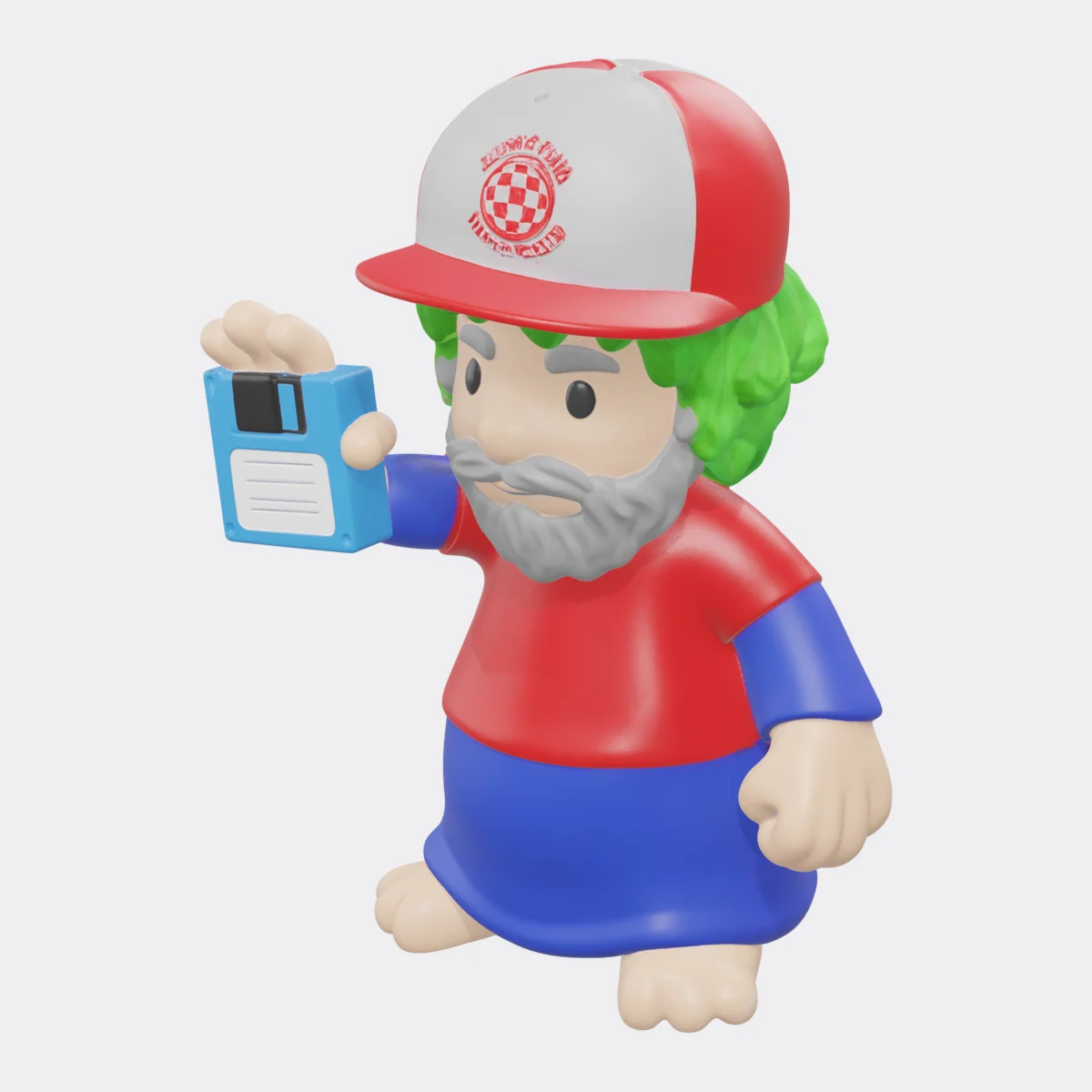
Figures, spacecraft and retro machines I have made as 3-D models with Meshy.ai and prepared for printing — mostly people as Lemmings, Amiga history and 1980s TV. This page grows as I add models.
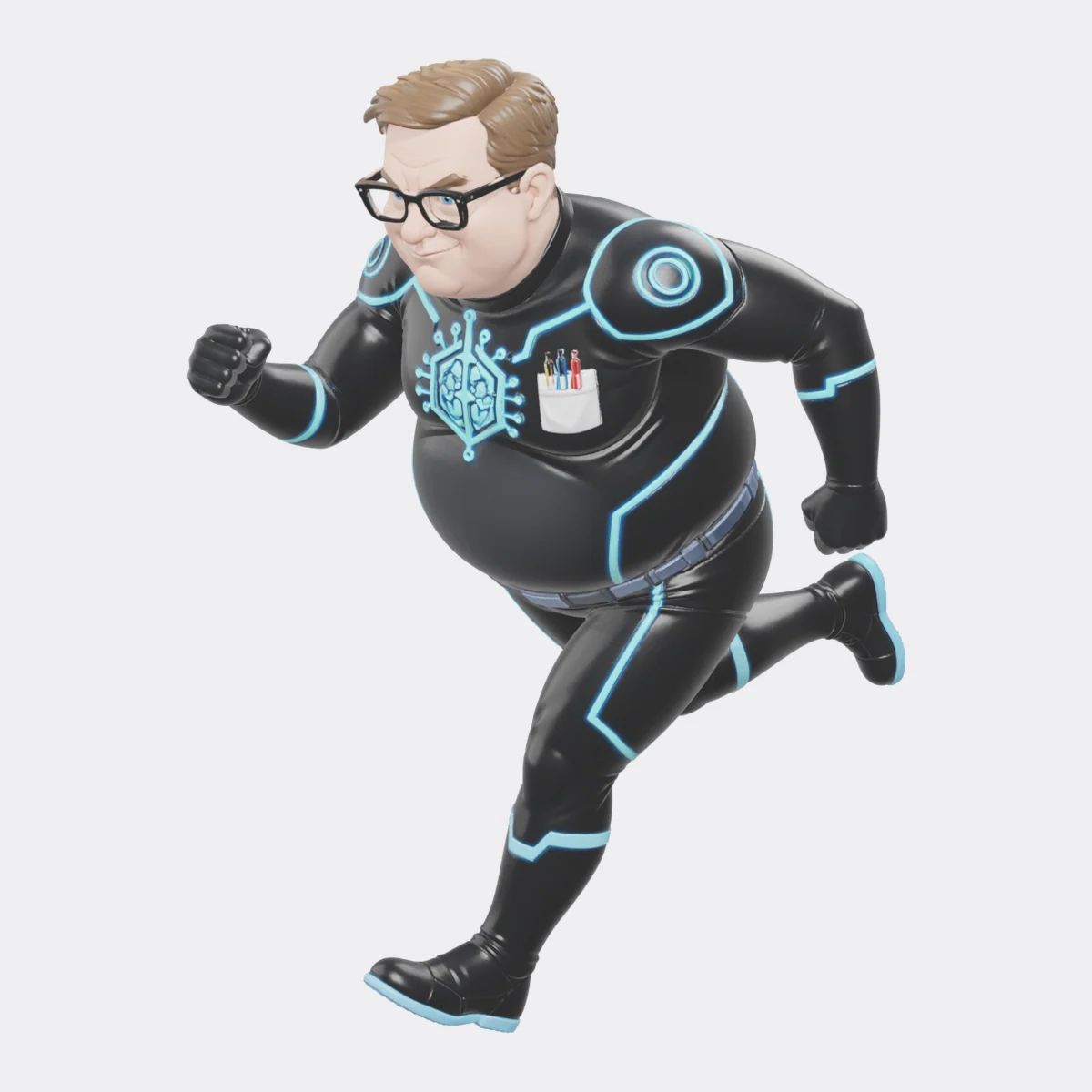
The administration is starting a new military force, so I designed the one I'd expect: the AI Force — a squad of very typical geeks in hero suits, with a nod to Atari Force from the 1980s comics.
An Amstrad CPC 464 and 6128 in your browser with the original firmware and Locomotive BASIC, a Z80 assembler and debugger with the firmware's jumpblock names, live views of the Gate Array, CRTC, PPI, AY and floppy controller, and DSK, CDT and SNA support.
An Apple II+ or IIe in your browser — text, lo-res and hi-res with NTSC artifact colour or a monochrome monitor, the speaker, and a Disk II that reads .DSK, .DO, .PO, .2MG and .NIB images as real GCR nibbles. Write 6502 assembly and debug it with breakpoints beside the code, stepping, registers, memory and the soft switches. Load your own ROMs; without them a stub monitor written for this site runs.
A BBC Micro Model B in your browser — 6845 CRTC and video ULA (MODEs 0–7 with MODE 7 teletext), both 6522 VIAs, the SN76489, UEF tapes and SSD/DSD discs through an emulated 8271 — with your own Acorn ROMs or an open stand-in OS. Type BBC BASIC (inline [ ] assembler included), write 6502 assembly, and debug with breakpoints beside the code, stepping, OS call labels and chip views.
A Commodore VIC-20 (PAL or NTSC, with memory expansions and cartridges) or PET 2001 / 3032 / 4032 / 8032 on one page — the VIC chip's video and sound, the 6522 VIAs and 6520 PIAs, the keyboards, PRG, D64 and TAP files. Boots Microsoft's open-source BASIC 1.1 on a KERNAL written for this site, or your own ROMs. Write 6502 assembly and debug it with breakpoints beside the code.
An MSX1 in your browser — TMS9918A video (every mode, sprites, fifth-sprite and collision flags), AY-3-8910 sound, slots, mapper cartridges with Konami SCC, and .CAS tapes — booting the open-source C-BIOS (or your own MSX BIOS for BASIC), with a Z80 assembler, MSX examples and a debugger with breakpoints beside the code, VDP, PSG and slot views.
Play and edit Amiga ProTracker MOD files with a replayer that follows ProTracker 2.3D tick by tick — every effect and E-command, the period table with finetunes, PAL/NTSC clocks, the A500/A1200 output and LED filters, stereo separation — with a scrolling pattern view, per-channel scopes, mute and solo, keyboard pattern editing, a sample editor with WAV import, and .MOD and WAV export.
One toolkit for retro disk and tape images — Amiga ADF, C64 D64/D71/D81/T64/TAP, Atari ATR and ST/MSA, Amstrad CPC and Spectrum +3 DSK, ZX TAP/TZX, BBC SSD/DSD, Apple II DOS 3.3 and ProDOS, MSX and PC FAT — auto-detected; browse, view files as hex, text in the machine's own character set, listed BASIC or pictures; add, delete and rename; create blank disks, convert, and open them in the emulators.
Convert a modern picture for an Amiga (OCS/ECS, EHB, HAM6, HAM8, AGA, sliced palettes with a copper list), Atari ST (incl. Spectrum 512), C64 (hires, Koala, FLI), ZX Spectrum, NES, Game Boy, CGA/EGA/VGA, Atari 8-bit or MSX — with the machine's real constraints, a live before/after view, dithering, and native files to download.
See who owns every colour clock of an Amiga scanline — refresh, disk, audio, sprites, bitplanes, copper, blitter and the 68000 — and how screen depth, resolution, overscan and blitter-nasty steal chip-RAM time, with per-frame and per-second budgets for PAL and NTSC.
Open Amiga archives in the browser — LHA/LZH (-lh0- to -lh7-), LZX, DMS disk images (every packing mode, including obfuscated ones) and Zip — list them with sizes, dates, protection bits and comments, check CRCs, extract files or everything as a ZIP, and send a DMS disk or an ADF inside an archive to the ADF explorer.
Work out Amiga blitter set-ups: minterms from a truth table, Venn diagram or Boolean expression (and LF back to the shortest expression), cookie-cut, masked, XOR, clear, rectangle and area-fill blits stepped word by word with shifts, masks and modulos, line mode with octants and the Bresenham registers, the DMA cost, and the register set-up as C or assembler.
Draw Amiga hardware sprites (3 colours, or 15 as an attached pair) and blitter objects of any depth, animate them frame by frame, import a PNG onto the palette, and export the data words with SPRxPOS/SPRxCTL, or the BOB's planes, mask and cookie-cut blitter set-up, as assembler or C.
Read Amiga .guide hypertext in the browser — nodes, links, bold, italic and pens, @wordwrap and @smartwrap, macros — with the Contents, Index, Help, Retrace and Browse buttons, straight from a file, an ADF disk image, or an LHA, LZX, DMS or Zip archive.
Open, draw and save Amiga Workbench icons — classic planar .info images in the 1.3 or 2.0+ colours, NewIcons hidden in the tooltypes, and OS 3.5 ColorIcons — with the icon type, default tool, tooltypes, stack and drawer window, PNG import and a byte-level file layout.
Paste 68000 assembly and see the clock cycles and bus reads/writes of every instruction from Motorola's timing tables, the total for a block or loop, and how much of an Amiga or Atari ST frame it takes.
An Amiga in your browser — vAmiga compiled to WebAssembly, booting the free AROS Kickstart or your own ROM. Play my Amiga games, or boot your own ADF disks on an A500 or an A1200.
Write Atari 2600 (VCS) programs in 6502 assembly — DASM-style, with vcs.h and macro.h built in — assemble them to a 2K, 4K or 8K cartridge, and run them in an emulator with a debugger: step by instruction, scanline or frame, breakpoints, registers, RAM, TIA state, the beam position, and a frame-timing check.
Pin-outs for over 100 connectors, each with its source — modern ones (USB-C with CC resistor values, RJ45 and PoE, RS-232, SWD/JTAG, VGA, HDMI, TRRS, Qwiic, OBD-II) and retro computer ports: Amiga Zorro and CPU slots, floppy, video, serial and keyboard; Atari 8-bit SIO, PBI and cartridge; Atari ST ACSI, MIDI and cartridge; C64 expansion, user and IEC ports; the Apple II slot, ZX Spectrum, MSX, BBC Micro, NES/SNES/Mega Drive pads, SCART, ISA, IDE and floppy.
Identify an Amiga Kickstart or Atari TOS ROM image — version, model, header fields, checksum (and fix it), CRC32, SHA-1 and MD5 — merge split hi/lo EPROM dumps, undo byte swapping, and decrypt Amiga Forever ROMs with their rom.key. Nothing is uploaded.
A ZX Spectrum 48K and 128K and a Timex Sinclair TS2068 / TC2068 in your browser, with the original ROMs, a Z80 assembler and a debugger — assemble and run example programs (including Timex hi-res and hi-colour), set breakpoints, step through code, and inspect registers, memory, bank maps and screen addresses. Loads TAP, TZX, SNA, Z80 and DCK files.
A Sinclair ZX81 (1K or 16K) in your browser running the original ROM, with a Z80 assembler that builds REM-statement programs, a debugger with breakpoints and single-stepping, and .P file loading and saving.
An Atari 800, 800XL or 130XE in your browser (atari800 in WebAssembly, the free Altirra OS and BASIC) — run disks, programs, cartridges and tapes; type and save BASIC; write 6502 assembly and run it, or call it from BASIC with USR; and debug anything that runs with breakpoints, stepping, registers, memory, the ANTIC/GTIA/POKEY/PIA registers and the display list.
An Atari ST, STE or Falcon in your browser — Hatari compiled to WebAssembly, booting the free EmuTOS. Play my Atari games, put disk images in A: and B:, programs on an emulated hard disk C:, autostart a program, play with keys or a gamepad, save states, and convert MSA ⇄ ST images.
A Commodore 64 in your browser — the cycle-stepped chips emulator in WebAssembly, booting the free MEGA65 Open ROMs (or your own). Run PRG, D64, T64 and TAP files; type and save BASIC; write 6502 assembly and run it, or call it from BASIC with SYS; and debug anything that runs with breakpoints beside the code, stepping, registers, memory, and the VIC-II, SID and CIA registers.
Assemble and disassemble 6502 and 65C02 code in the browser, with labels, local labels, expressions, and an optional undocumented-opcode set; download raw binaries, Atari binary-load files, or C64 PRGs; search the full opcode table with cycles and flags.
Assemble Motorola 68000 code in the browser and export S-records (S19/S28/S37), Intel HEX, raw binary, a C array, an Amiga hunk executable or an Atari ST .PRG; disassemble hex, binaries, S-records or Intel HEX with a byte-exact reassembly check; inspect and convert S-record files.
Explore Amiga .adf and .adz floppy images in the browser — bootblock, root block, block map, directory tree with dates, protection bits and comments — extract files or the whole disk as a ZIP, verify checksums, and create new OFS or FFS disks with your own files.
How I connected a Mac to emulated and real Amigas over a serial link, built a source-level debugger and 129 MCP tools on top of it, and let Claude Code write, deploy, and debug Amiga software.
Every OCS, ECS and AGA custom chip register at $DFF000, searchable; bit-field decoders for DMACON, INTENA, BPLCON0–4, ADKCON, POTGO and more; a display-window and data-fetch calculator; a blitter minterm calculator; and a copper list assembler and disassembler.
Write 68000 assembly, build it with the real vasm assembler and vlink linker compiled to WebAssembly, and boot it on an emulated Amiga 500 (vAmiga) with the free AROS Kickstart, or your own ROM. Includes examples, a listing, a hunk view, downloadable ADFs, and the vAmiga debugger.
Inspect Amiga executables — hunk header, CODE/DATA/BSS hunks with CHIP and FAST flags, relocations, symbols, LINE debug info, and overlays — disassemble 68000 code with labels, turn hex into 68000 instructions, and look up any 68000 instruction's flags and cycle timings.
Every AmigaOS library, device, resource and BOOPSI class function from the 3.2 NDK — its LVO, registers, C prototype, and the Kickstart version that added it — with a decoder that names the jsr -nnn(a6) calls in a disassembly and generators for LVO includes, FD files and SAS/C pragmas.
Open ATR and XFD disk images from the Atari 400/800/XL/XE — header, VTOC map, Atari DOS 2.0/2.5 and MyDOS directories, sector chains, binary-load segments, ATASCII text, and a sector hex viewer.
List tokenised Atari BASIC programs as text, convert ATASCII to and from text, compose 40×24 text screens and export them as bytes, and pick colours from the GTIA palette with ready-to-type POKE values.
Open .ST and .MSA floppy images in the browser — boot sector and BPB, FAT12 cluster map, folders, PRG headers — extract files, convert between ST and MSA, create blank disks, and add files.
View and convert Degas (PI1–3, PC1–3), NEOchrome (NEO), and Spectrum 512 (SPU) pictures with ST and STE palettes and colour-cycling info; export PNG, or convert any image back to PI1, PC1, or NEO.
Commodore 64 BASIC V2 tokeniser and detokeniser (PRG ↔ listing with {clr}/{red} control codes), PETSCII ↔ Unicode for both character sets, and a 40×25 PETSCII screen editor that exports screen and colour bytes, a BASIC PRINT program, or 6502 assembler.
Open Commodore 1541 .D64 images — BAM, disk name and ID, the directory as the C64 lists it, file types, track/sector chains, a block map, a sector hex viewer, PRG load addresses, file and ZIP extraction — and build new disks with your own files.
Write an Amiga copper list and watch it run against the PAL or NTSC beam — raster bars, split palettes, per-pixel colour changes, animated with expressions — and run real blits with shifts, masks, minterms, and area fill on bitmaps you draw.
Design colour gradients and shaded raster bars, see them quantised to Amiga OCS/ECS, AGA, Atari ST or STE colour depth with optional dithering, and export a copper list with the line-255 wrap handled, a UCopList in C, an HBL colour table, a palette ramp, or a sine table.
Build FS-UAE and WinUAE / Amiberry configurations for any Amiga from the A1000 to the CD32 — CPU, chipset, memory, Kickstart, floppies, hard drives, RTG and input — with checks for combinations that will not boot, and identify Kickstart ROM files by CRC and header.
View Amiga IFF pictures — ILBM with HAM6, HAM8, EHB, hires and interlace, masks and pixel aspect — play 8SVX samples, browse the chunk tree of any IFF file, export PNG, and convert your own images to ILBM.
Design Atari 400/800/XL/XE POKEY sounds — four channels of AUDF/AUDC with every distortion mode and volume-only output, AUDCTL 16-bit linking, 1.79 MHz clocking, high-pass filters and 9-bit poly — hear them through a POKEY model, and export Atari BASIC SOUND, POKEs, assembler or PAL/NTSC note tables.
Compose ProTracker MOD music in the browser — pattern editor with the ProTracker keyboard, on-screen piano and MIDI, sample editor with WAV/8SVX import, recording and chip waveforms — plus Paula period/note/rate conversion, Paula periods and sample rates on PAL or NTSC, see the complete ProTracker period table with finetunes and DMA timing, and inspect and play MOD files.
Draw sprites, tiles, and screens with real hardware palettes — Amiga, C64, NES, Game Boy, ZX Spectrum, Atari 2600, PICO-8, and 1-bit OLEDs — then export C arrays, bitplanes, CHR tiles, sprite data, PNG, or animated GIF.
Draw and edit 8-pixel-wide bitmap fonts for the Amiga, C64, Atari 8-bit and ST, or any microcontroller — transform glyphs, preview text on classic screens, rearrange into C64 screen-code or Atari order, and export raw ROM images, .64c, .fnt, PSF, PNG sheets, C or assembler tables, or an Amiga TextFont.
PAL and NTSC raster maths for the Amiga, Atari ST, Atari 8-bit, and C64 — cycles per line and frame, frame rates, µs per scanline, unit conversions, a per-frame cycle budget, and the cycles DMA steals.
Design Commodore 64 SID sounds — three voices with triangle, saw, pulse and noise (and combinations), real ADSR rates, ring modulation, hard sync, the 6581/8580 filter — play them from the keyboard, and export the $D400–$D418 registers as BASIC POKEs, assembler, or PAL/NTSC note tables.
How I built a modern dev kit for the 3DO Interactive Multiplayer — Norcroft ARM C in Docker, a patched Opera emulator with a GDB server and a JSON control port, and an MCP server — and used it to ship a demo and 21 games.
Design sounds for the Yamaha YM2149 and AY-3-8910 (Atari ST, ZX Spectrum 128, Amstrad CPC, MSX) — three tones, noise, all 16 envelope shapes, the mixer, live registers and code export — and play or inspect .YM music files (LHA-packed YM3/YM5/YM6) and SNDH headers.
A modern development kit for the 1993 3DO Interactive Multiplayer: the original-style Norcroft toolchain in Docker, a patched Opera emulator with a GDB server and remote-control API, and MCP tools for Claude Code.
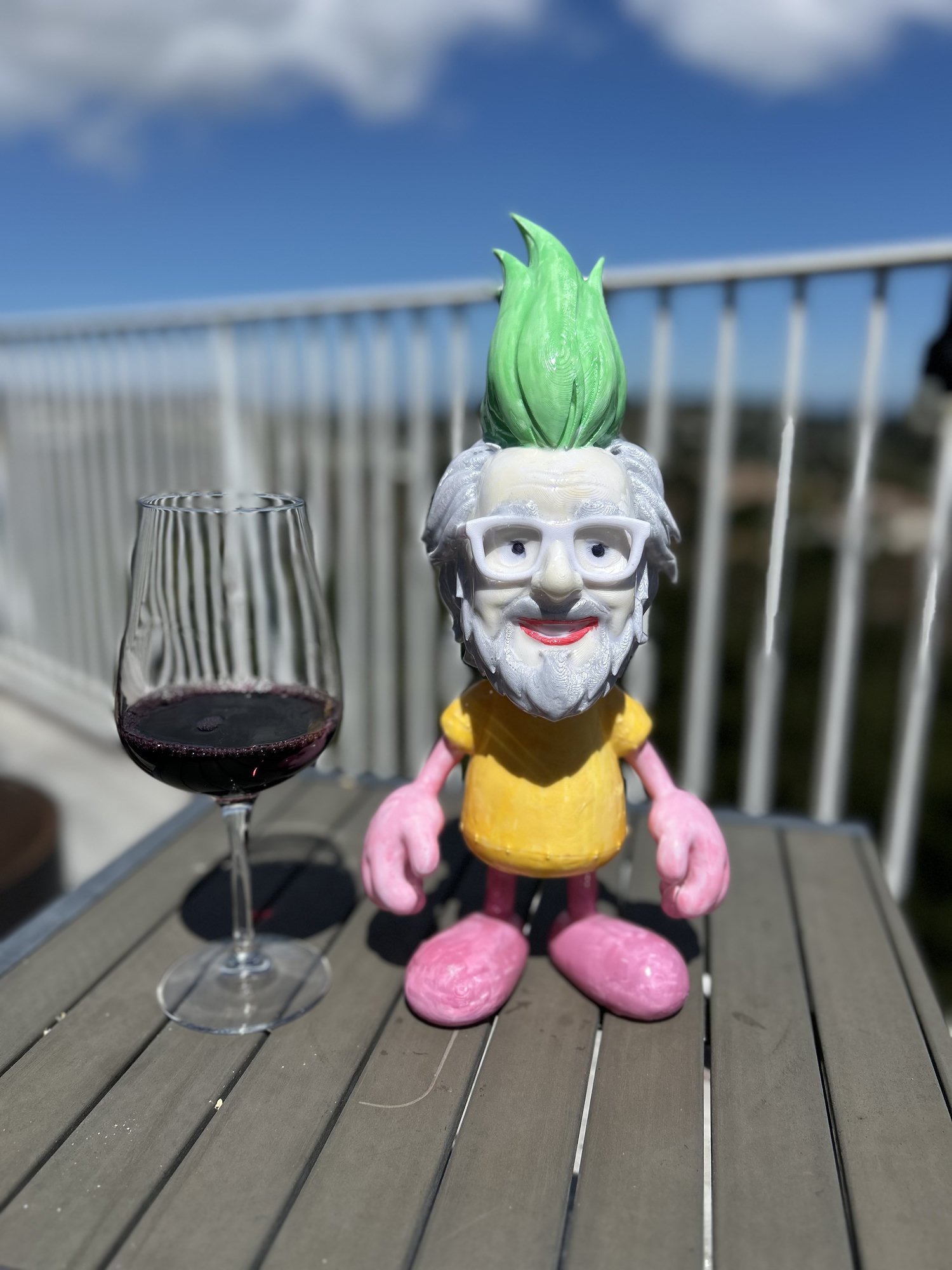
My friends from the Amiga community, reimagined as Lemmings — designed with Meshy AI from photos, printed in PLA on Bambu printers, and finished with felt-tip pens and UV resin. Plus a few guesses at what Lemmings would be up to now.
A cross-development environment that connects a modern machine to an emulated or real Amiga over serial — live debugging, memory inspection, remote execution, and MCP tools so Claude Code can build and drive Amiga software.
How a conversation with Bill Borsari became a walk-through history of the Amiga at the Vintage Computer Festival. It was built almost entirely at my home, some 2,500 people came through, and we finished the day with the Amies.
A walk-through history of the Amiga, built for its 40th anniversary at the Vintage Computer Festival at the Computer History Museum, with the Amies awards in the evening.